 BayBound
For journalists, reviewers and app editors
Happy to answer questions, walk through the app, or send a promo code for BayBound Plus. Screenshots, the icon and the mark are below.
Contact usIn one line
BayBound tells Caltrain commuters the minute to leave their door, in the right direction, without being asked.
In a paragraph
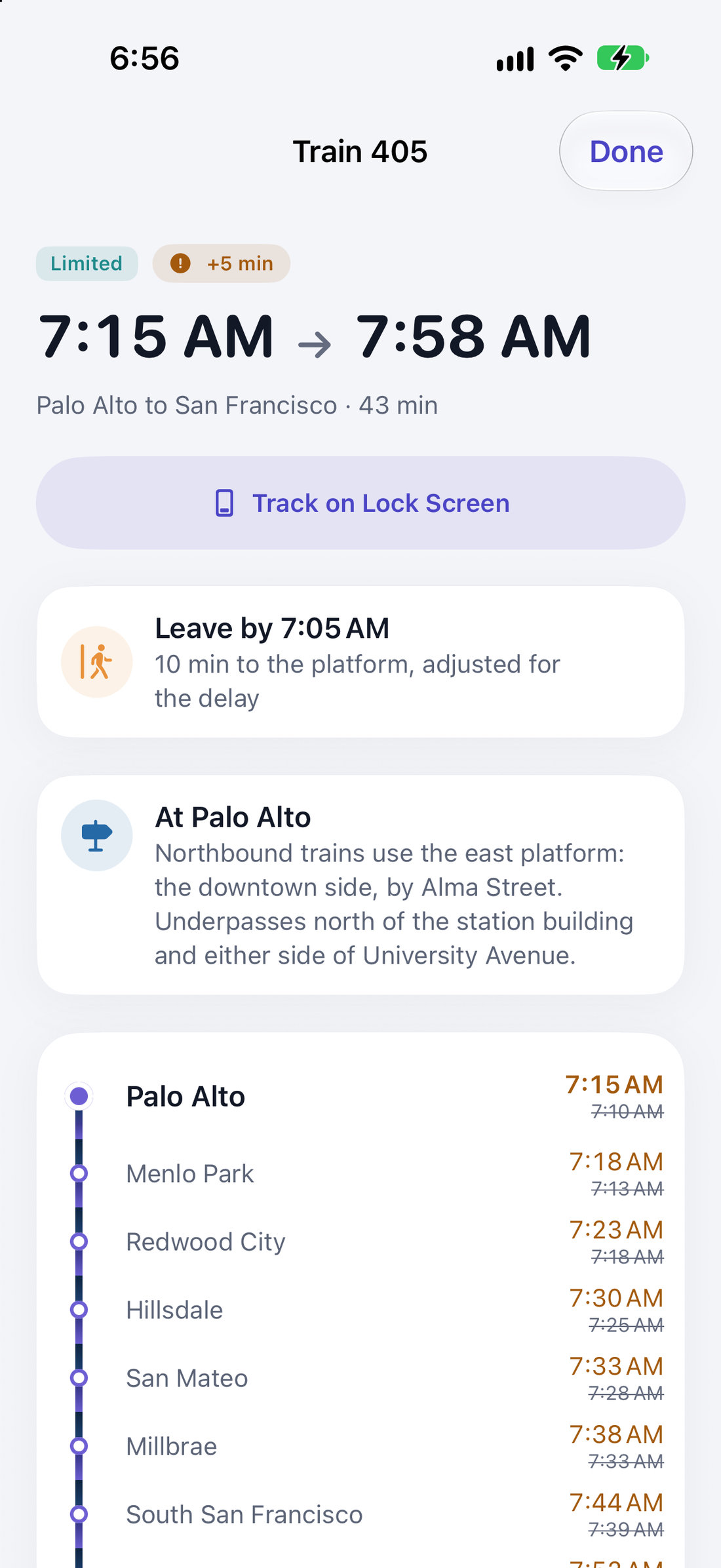
Most transit apps answer “when is the next train?”. A commuter already knows the trains. What they need is the minute to leave the house, in the direction they’re actually going, adjusted for today’s delay. BayBound is built around one commute: you say once where you live, where you work, and how long it takes you to reach the platform, and from then on it shows the right train in the right direction, to work in the morning and home in the evening, with your walk already subtracted. The whole schedule lives on the phone, so it works in a tunnel and with no signal. There’s no account, no advertising and no tracking.
What’s different about it
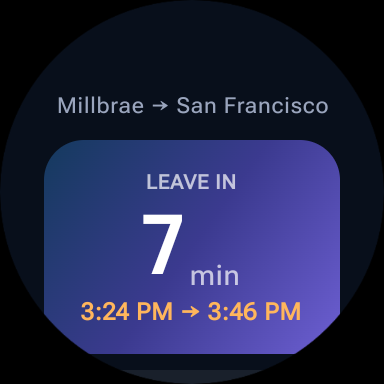
- A leave-by time, not a departure board. The countdown is to when you should leave, with your walk, bike, bus or drive built in, and it moves with the live delay.
- The direction switches itself. Trains to work in the morning, home in the evening, on the days you commute. One tap flips it for the moment.
- Tap-on and tap-off reminders. Arriving at your station reminds you to tap your Clipper card; arriving at the other end reminds you to tap off, which is the one riders lose real money to. Worked out entirely on the phone.
- It works offline. The schedule is stored on the device and quietly updates when Caltrain changes it.
- It knows nothing about you. No account, no analytics, no advertising identifiers. Your home and workplace never leave your phone.
Screenshots
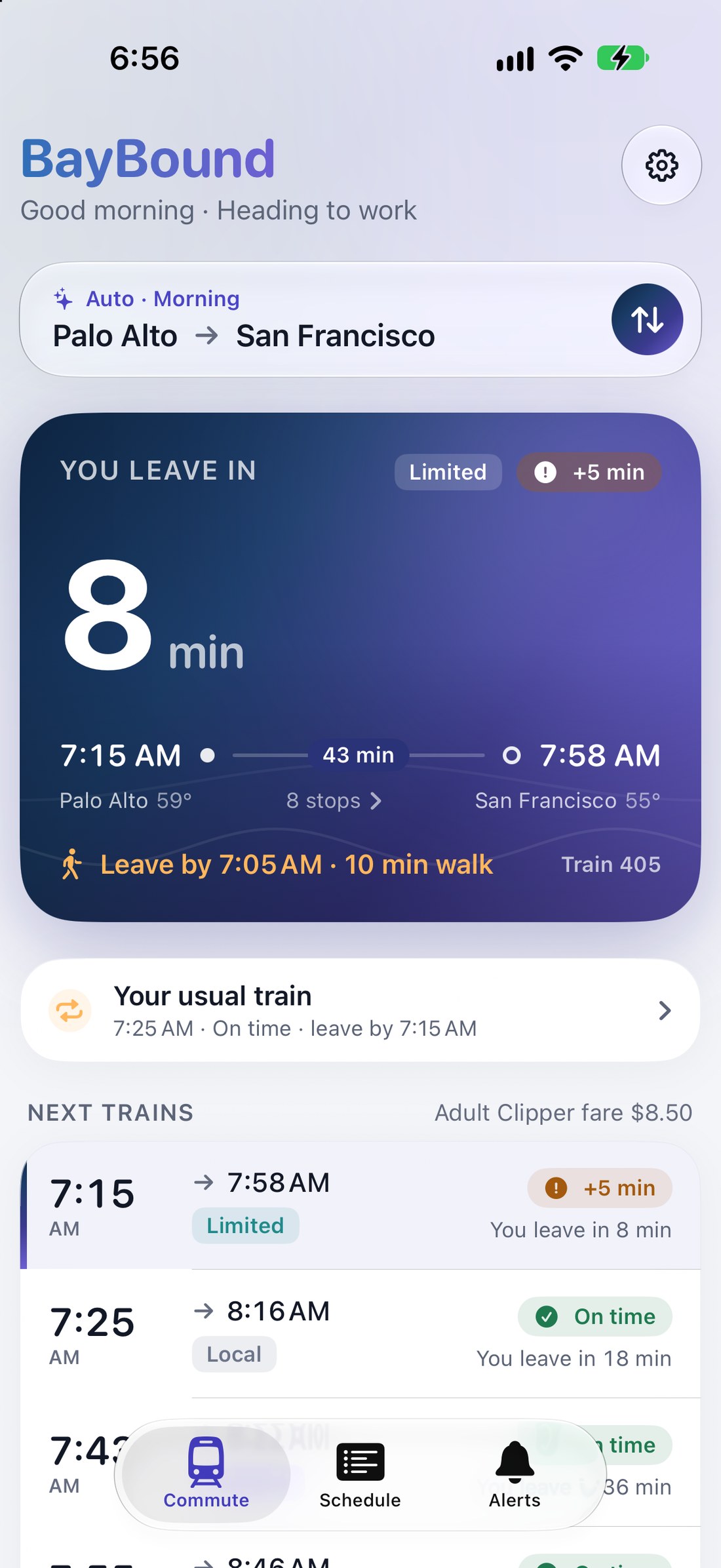
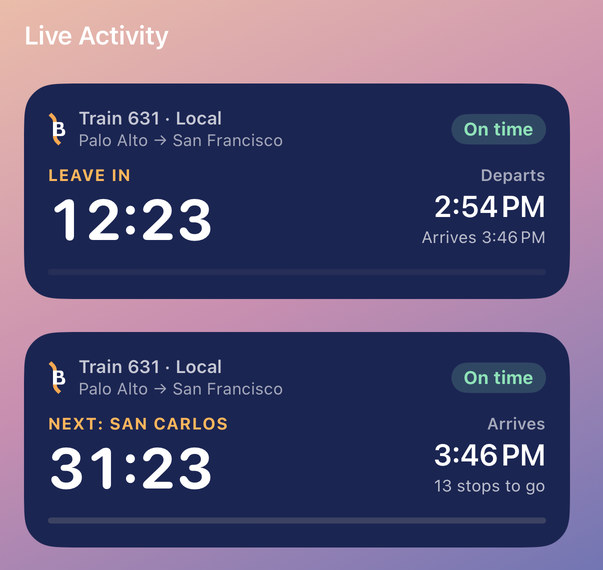
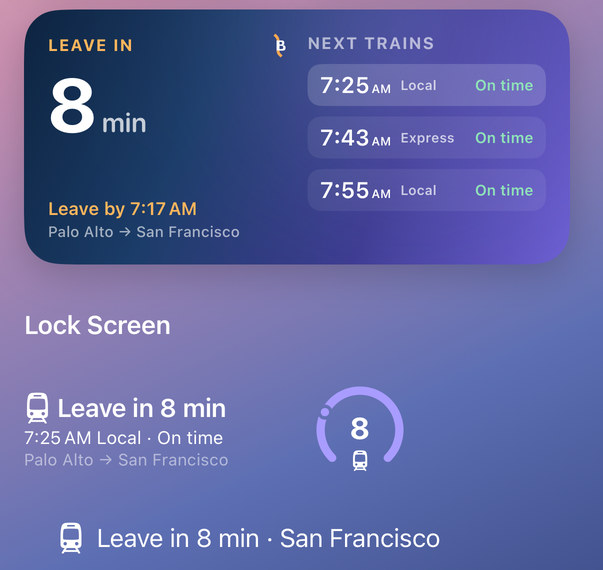
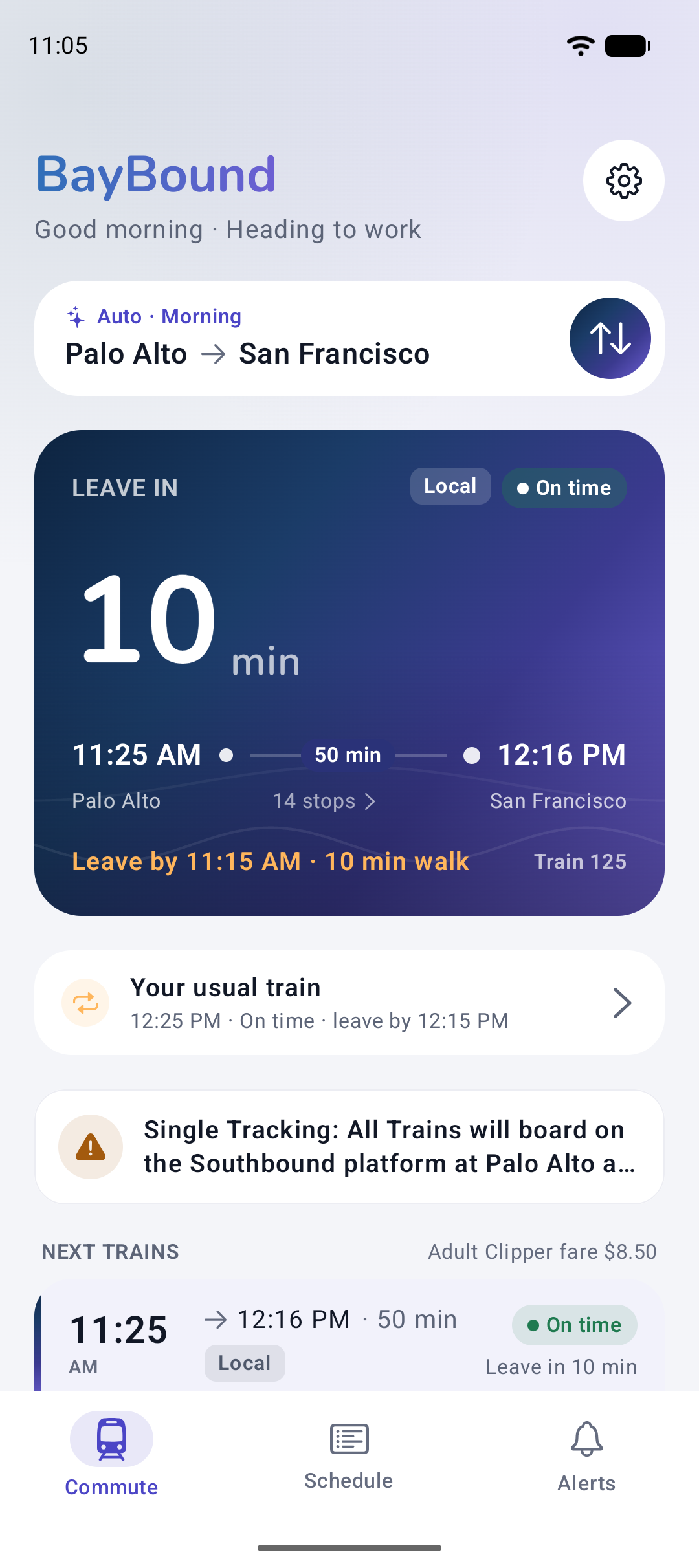
Download everything (ZIP, 2 MB)


The mark
An upright B whose spine is the rail line: it comes in on the diagonal from San Francisco, becomes the letter, and heads back out toward San José. The palette is Bay Dusk: deep navy through violet, with an amber that stands for the next train.
Where it runs
- iPhone (iOS 18.6 and later): Home and Lock Screen widgets, a Live Activity that follows the ride, Siri and Shortcuts.
- Apple Watch (watchOS 11 and later): the commute on the wrist, and complications.
- Android (Android 11 and later): a home screen widget and a live ride notification.
- Wear OS: a tile and a watch face complication.
Price
Free, including the whole schedule, live delays, service alerts, the widgets, the watch app, the reminder that tells you when to leave for your usual train, and ride tracking that starts itself when you board. BayBound Plus, which adds the two reminders that watch for your stations (tap on and tap off, and the alert before your stop), is $1.99 a month or $14.99 a year, with a week free on the yearly plan. There’s also a tip jar for riders who’d rather just say thanks.
Who makes it
BayBound is made by Yonaga, an independent developer on the Peninsula. It grew out of the author’s own commute: switching stations by hand every evening, and learning about a delay while already standing on the platform.
Facts worth getting right
- BayBound is an unofficial app. It is not affiliated with, endorsed by, or connected to Caltrain.
- Schedule, delay and service alert data comes from 511.org, the Bay Area’s open transit data service.
- Reminders are a nudge, not a record: BayBound can’t see your Clipper card or whether you actually tapped.
- Location, when you turn it on, is used on the device only. It’s never sent to us, and no location history is kept.