 BayBound
Your Caltrain commute, on autopilot.
Open BayBound and it already knows which way you’re going, which train to take, and the minute to leave your door.
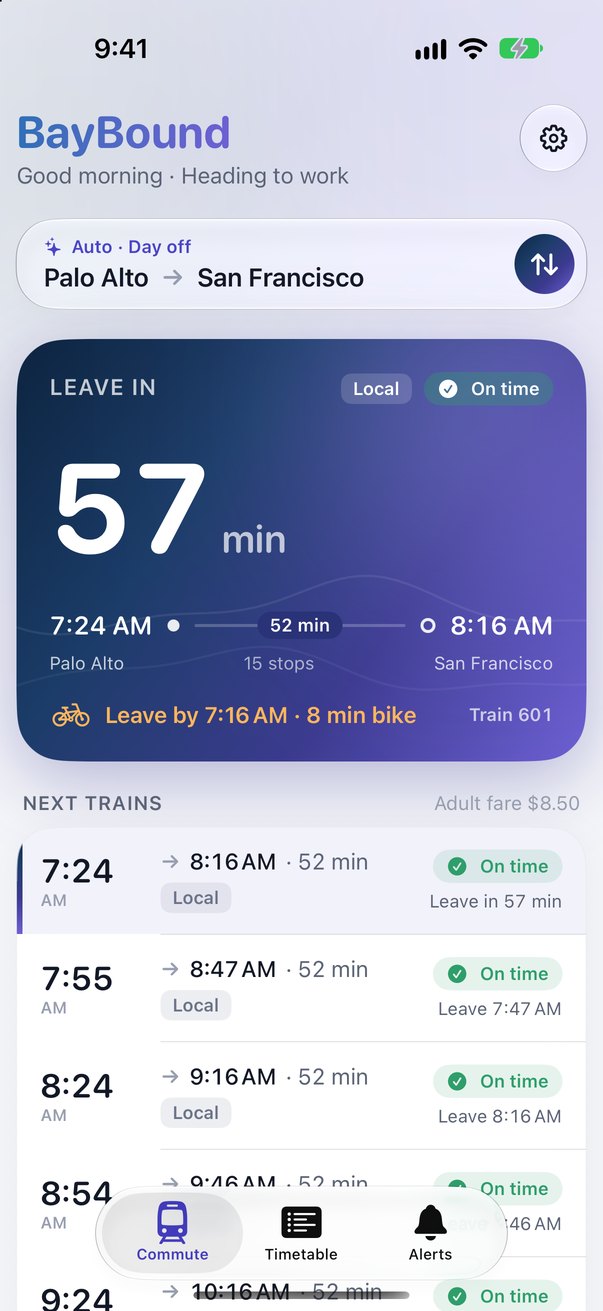
Set it up once. Then just open it.
BayBound is built around one commute: yours. No searching, no picking stations every morning.
Tell it your commute
Your home and work stations, the days you ride, and how long it takes you to reach the platform.
Open the app
In the morning it shows trains to work; after your switch time (noon unless you change it), trains home. With location on, arriving at your work station flips it too.
Leave on time
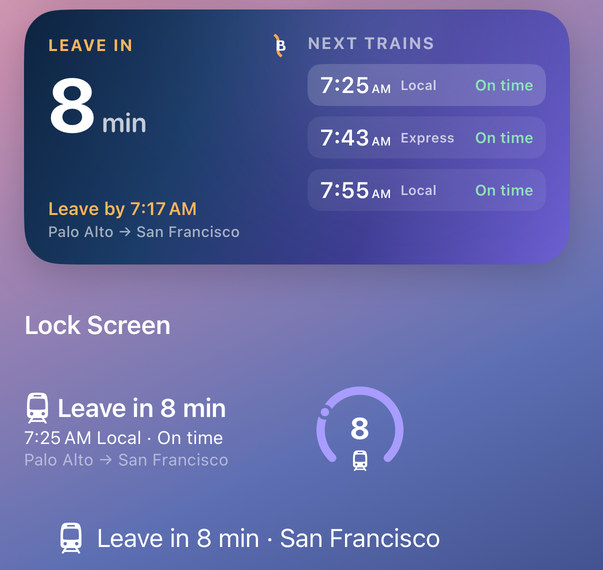
Each train shows the minute to walk out the door, moved later or earlier as live delays come in.
The time that matters is when you leave, not when the train does.
BayBound counts down to your leave-by time, with your walk, bike, bus or drive to the station built in.
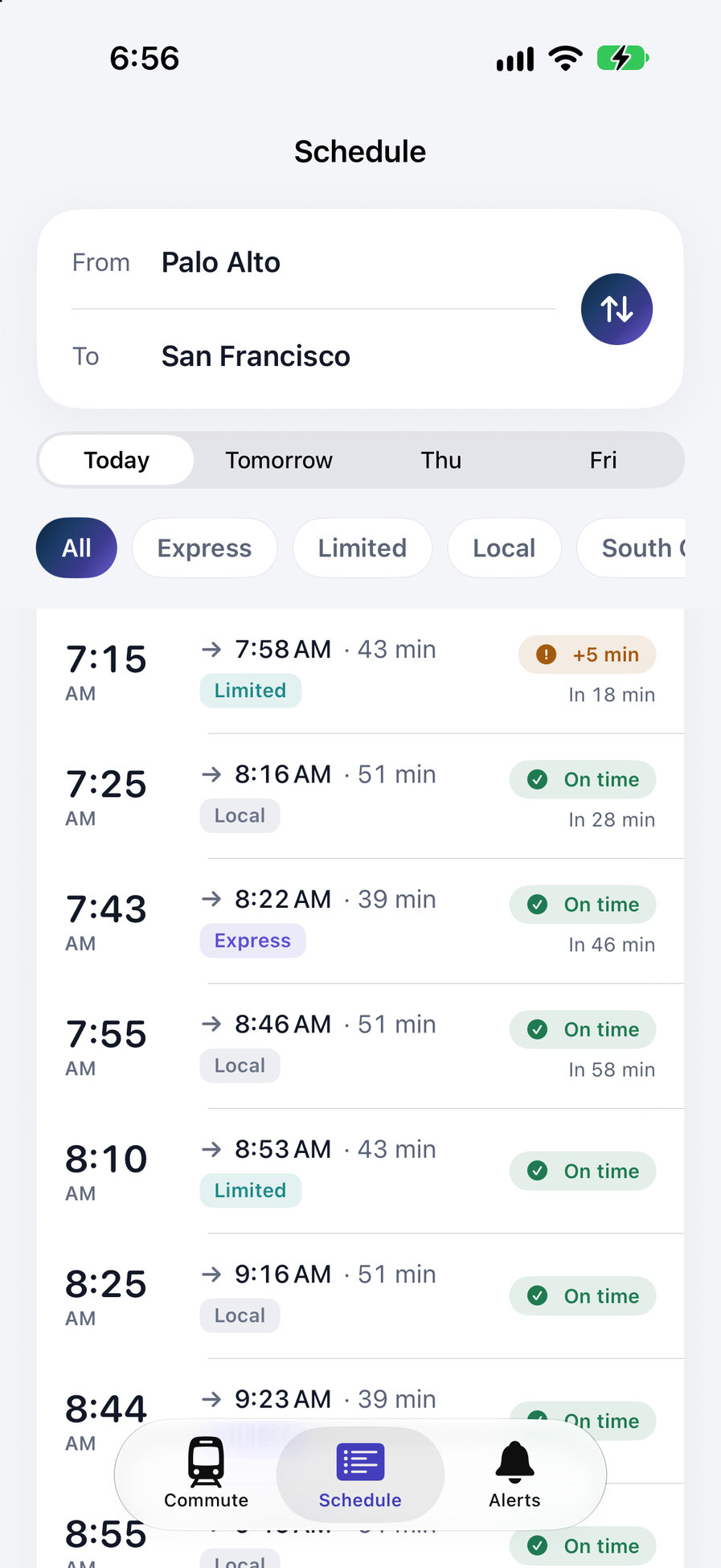
- Express, limited, local and South County, clearly marked
- Every train of the day, the next one highlighted
- Your fare, right there
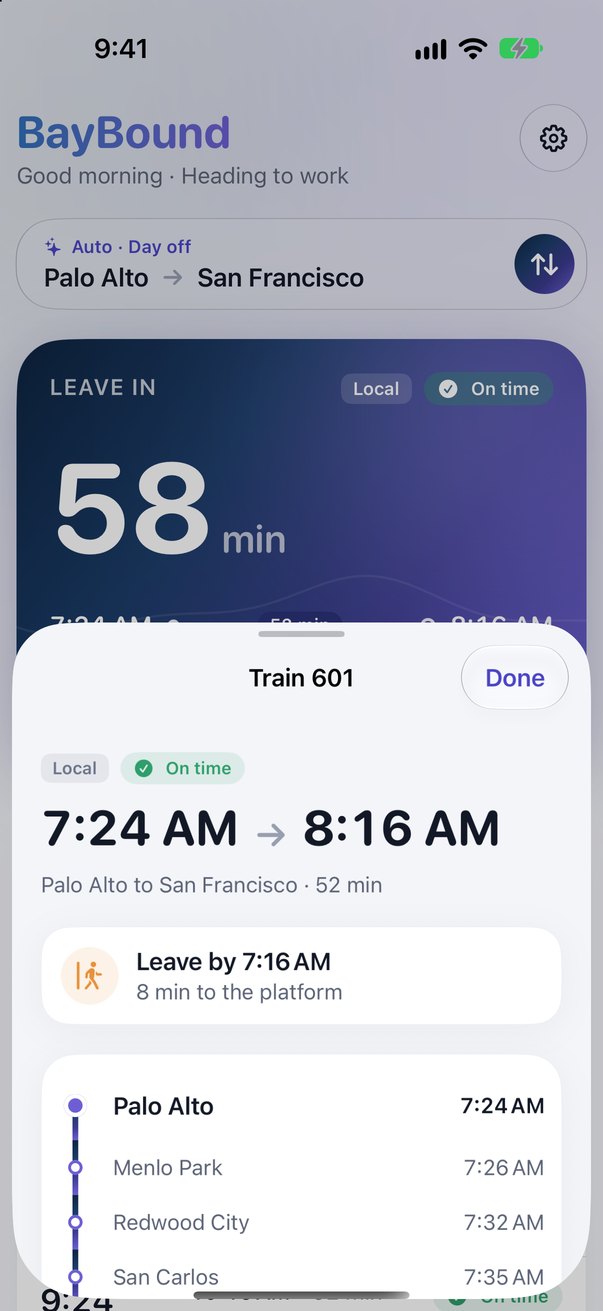
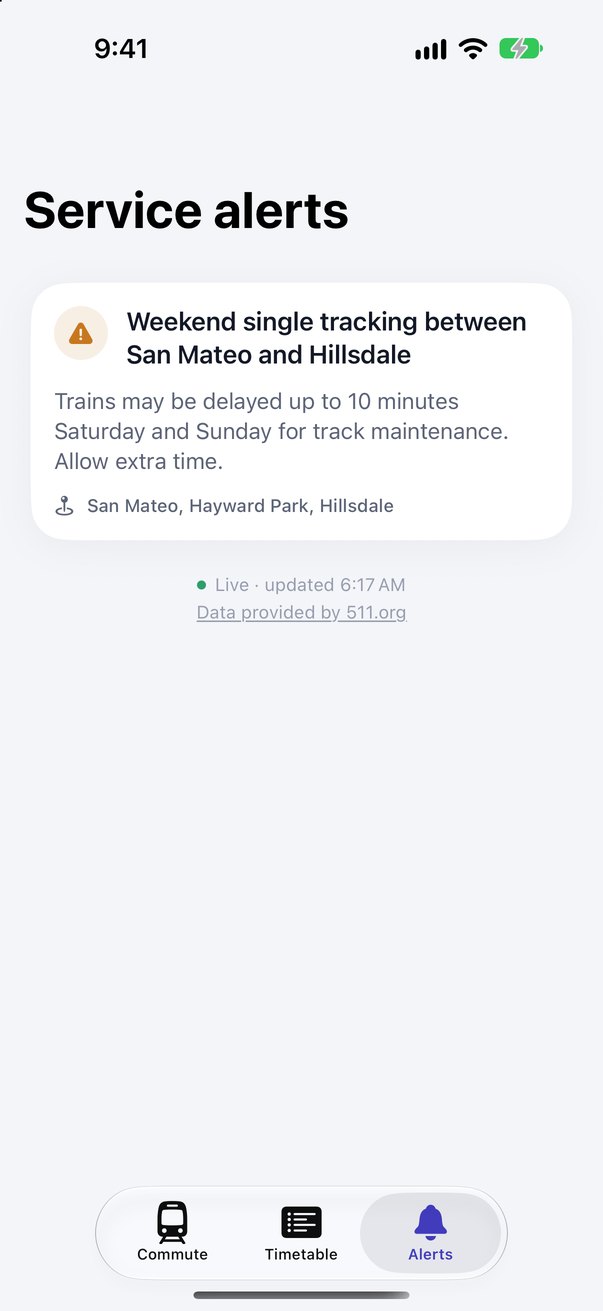
Delays and alerts, only when they concern you.
Live train status refreshes every minute. Service alerts are filtered to your trains and your stations, so the one that matters isn’t buried.
- Delays and cancellations on every departure
- Skipped stops flagged before you board
- Platform changes on your train
The whole schedule, even underground.
The full Caltrain schedule lives on your phone and updates itself when it changes. Look up any station pair, any day.
- Today, tomorrow and the two days after
- Filter by express, limited, local or South County
- Works with no signal
San Francisco to Gilroy, every stop.
BayBound covers the whole Caltrain line, all 30 stations.
- San Francisco
- 22nd Street
- Bayshore
- South San Francisco
- San Bruno
- Millbrae
- Broadway
- Burlingame
- San Mateo
- Hayward Park
- Hillsdale
- Belmont
- San Carlos
- Redwood City
- Menlo Park
- Palo Alto
- California Avenue
- San Antonio
- Mountain View
- Sunnyvale
- Lawrence
- Santa Clara
- College Park
- San Jose Diridon
- Tamien
- Capitol
- Blossom Hill
- Morgan Hill
- San Martin
- Gilroy
Scroll the line to see every station.
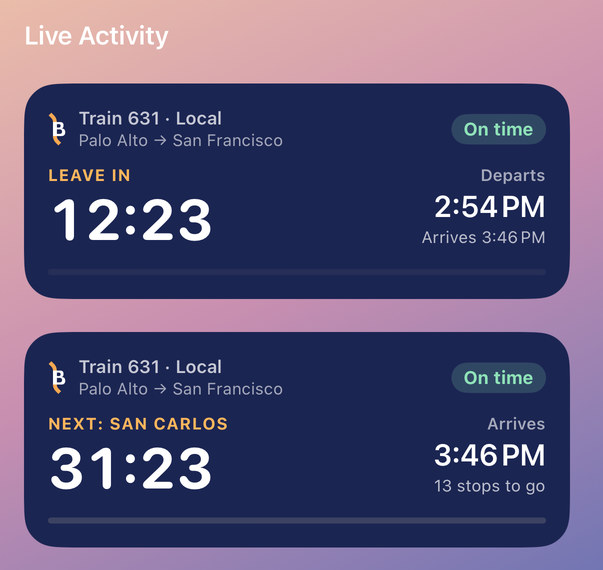
The leave-in number, without opening the app.
BayBound puts the next train where you already look, and keeps it live while you ride.
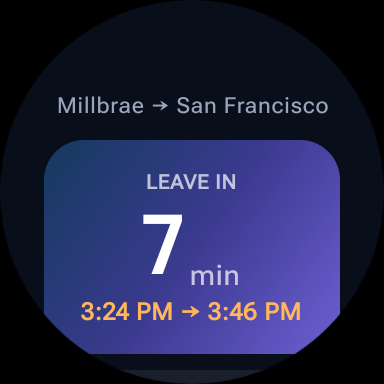 On your wristThe leave-in number on the watch, with complications for the Apple Watch face and the Smart Stack, and a tile on Wear OS.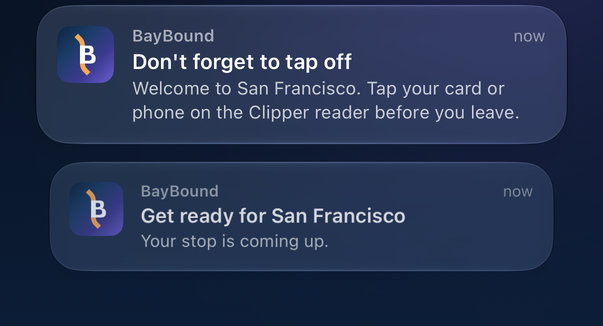
Put the phone away. It’ll tell you.
Plus adds the two reminders that know where you are, all worked out on your phone. The one that tells you when to leave the house is free, and so is the ride card that starts itself when you board.
- Tap on and tap off reminders at your stations, to help you avoid Clipper’s maximum-fare charge
- An alert when your stop is next, so you can read or rest
Your commute stays on your phone.
BayBound works without knowing who you are.
Good to know
Is BayBound an official Caltrain app?
No. BayBound is an independent app by Yonaga. It isn’t affiliated with or endorsed by Caltrain. Schedules and live train data come from the Bay Area’s public transit open data (credited at the bottom of this page).
What does it cost?
BayBound is free: your commute, leave-by times, the reminder that tells you when to leave for your usual train, live status, alerts, the full schedule, the widgets, the live ride tracking (which can start itself when you board) and the watch app. BayBound Plus is an optional subscription that adds the two reminders that watch for your stations.
Which phones does it run on?
Any iPhone with iOS 18.6 or later, and any Android phone on Android 11 or later.
Is there a watch app?
Yes on both, at no extra cost: an Apple Watch app (watchOS 11 or later) with complications for the watch face and the Smart Stack, and a Wear OS app with a tile and a complication. Both show the leave-in countdown.
Is there an Android version?
Yes. The Android and Wear OS app is built, and it comes to Google Play about a week after the iPhone app. Pre-register now and Google installs it for you the day it’s out. Same commute, same live data, same price.
Does it work without a signal?
Yes. The schedule is stored on your phone, so scheduled times always work. Live delays and alerts need a connection.
Why do the Plus reminders need background location?
So the system can notice when you arrive at your commute stations and remind you to tap your card, even when the app is closed. That’s “Always” on iPhone and “Allow all the time” on Android. It’s handled on your phone; your location is never sent anywhere.